
A social network for riders and drivers to connect.
Login to QudosConnect
What can you do with QudosConnect?
If you sign up for Qudos, you automatically have a QudosConnect account. You can now connect to a community of riders and drivers.



How to post on QudosConnect
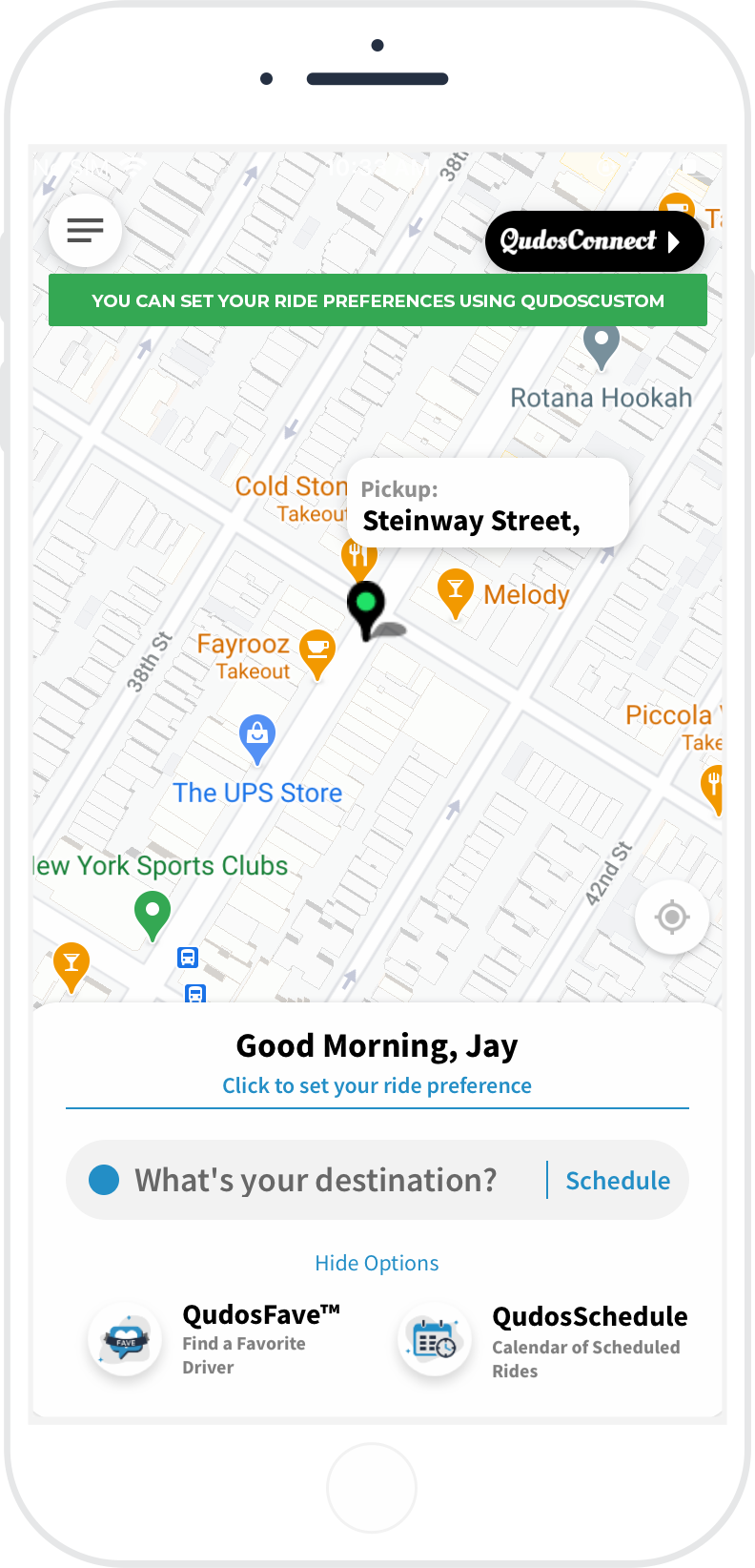
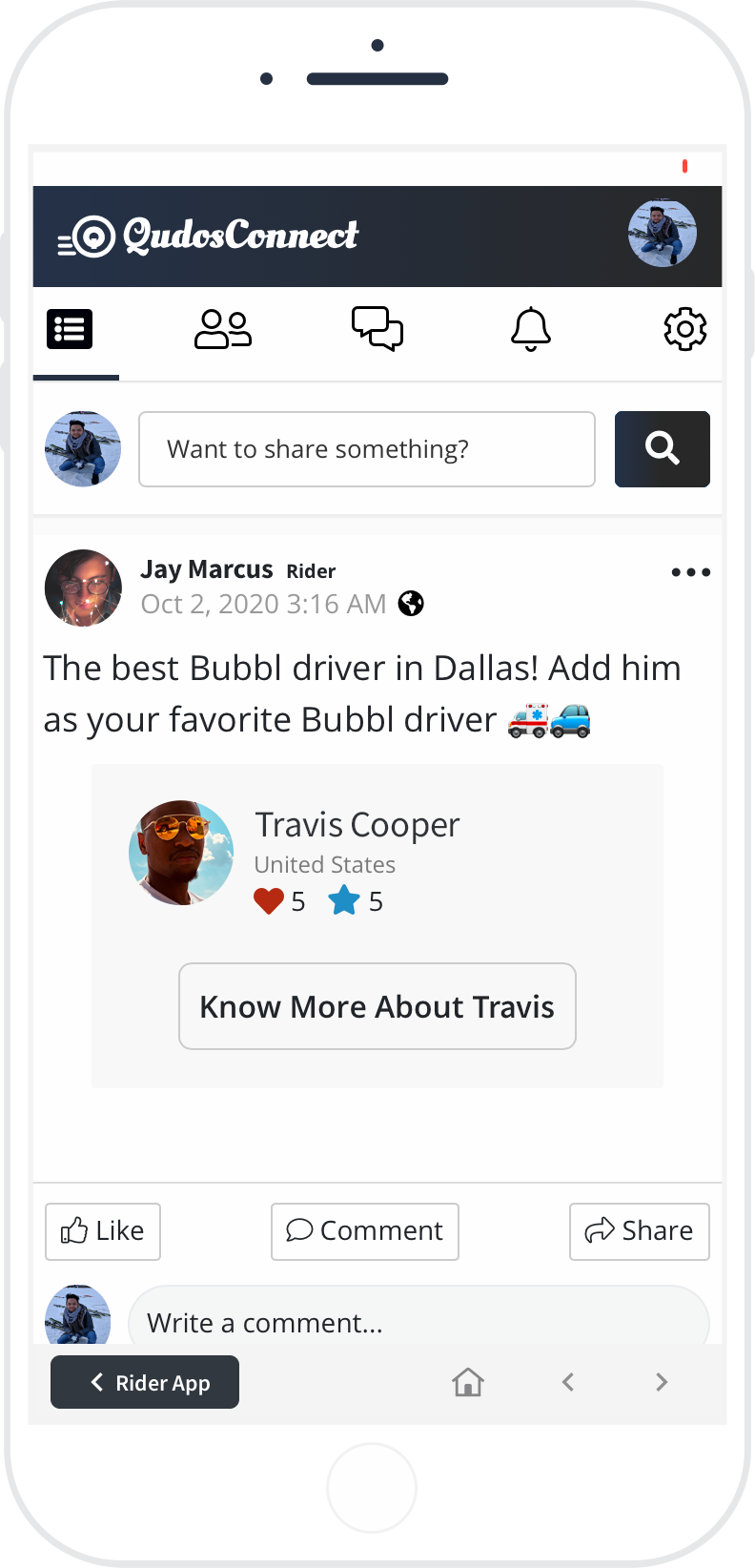
From the application’s home screen, tap the top right icon to start sharing on QudosConnect.
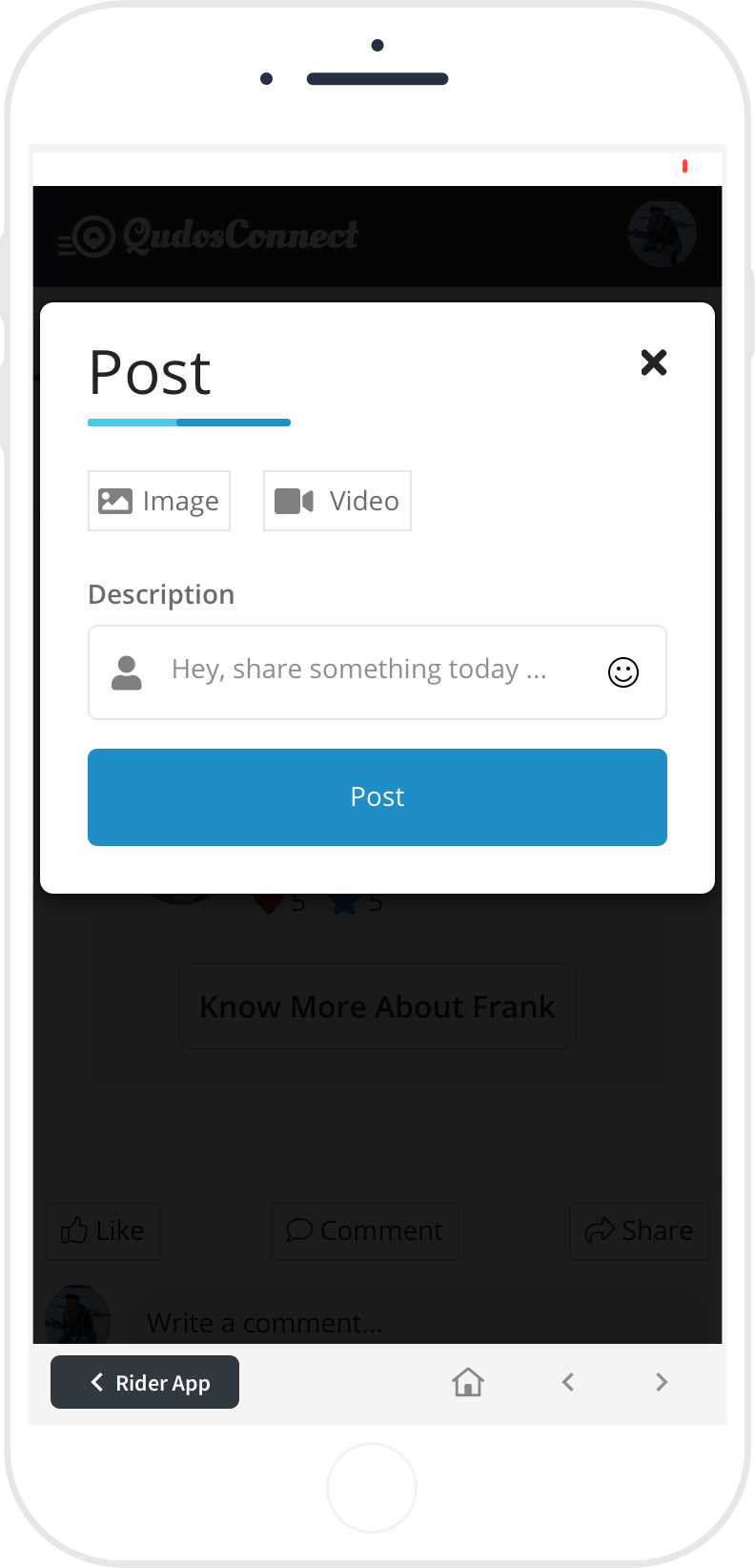
Tap the text box that says "Want to share something?" You can share updates with your friends and express your appreciation towards a specific Qudos driver or for Qudos’ services.
Tap the Post button. Your added friends and family will see your posts by scrolling through the news feed or visiting your profile.
How to share your driver
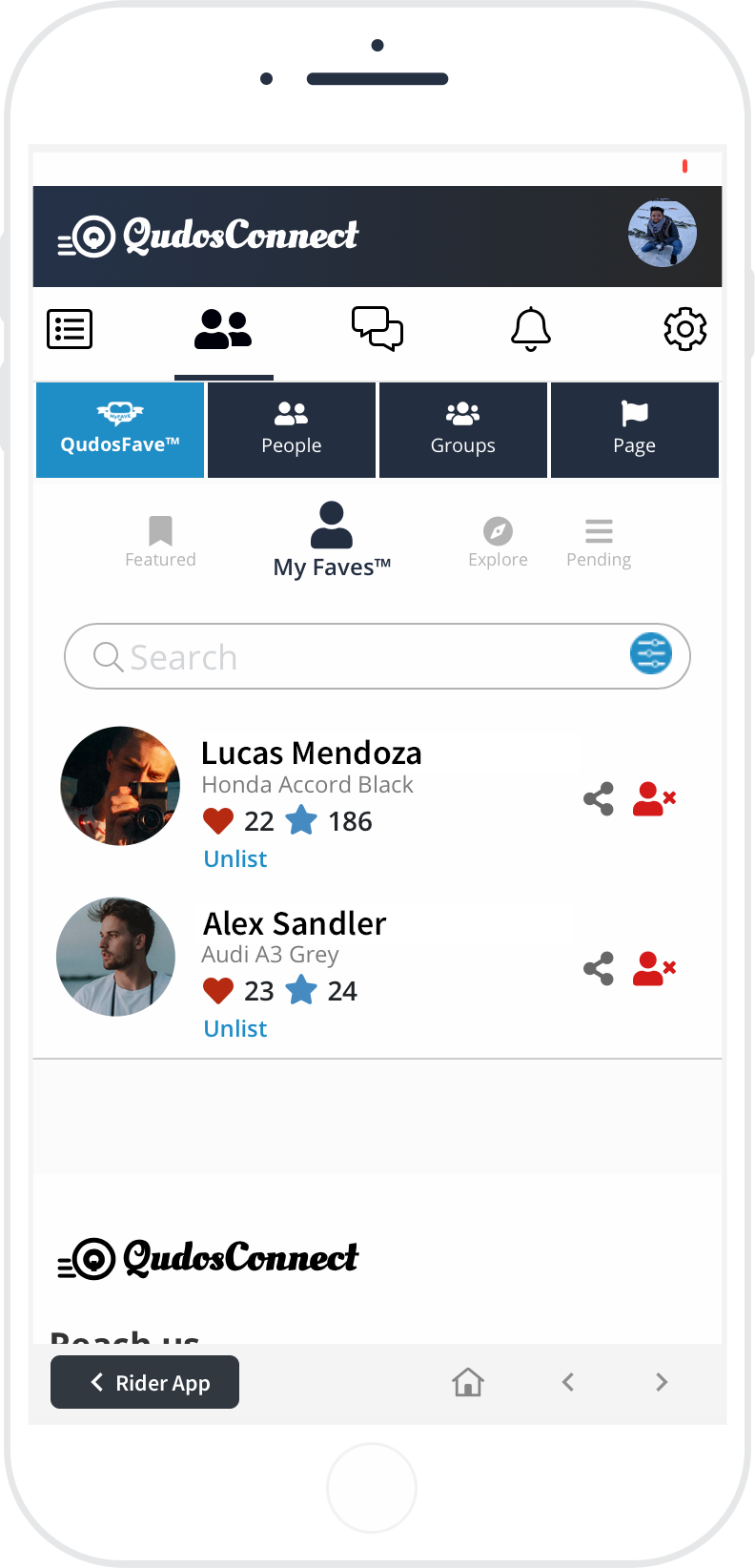
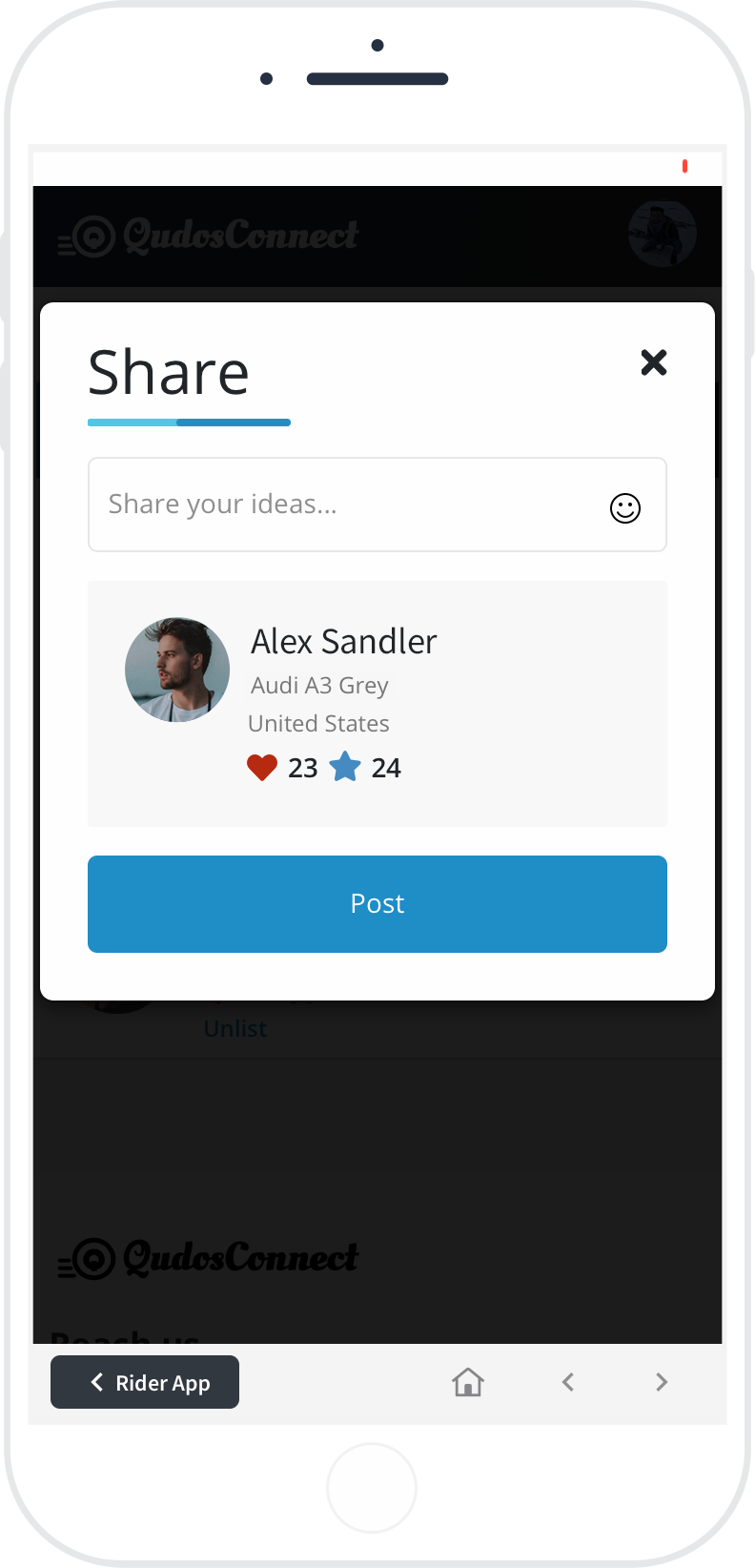
From the navigation bar, tap the Users icon, then tap QudosFave to display a list of QudosFave drivers. Tap MyFaves to display your own set of QudosFave drivers, and tap the Share button.
Share your thoughts about your ride and put in a good word for friends and family.
How to know more about your Qudos driver
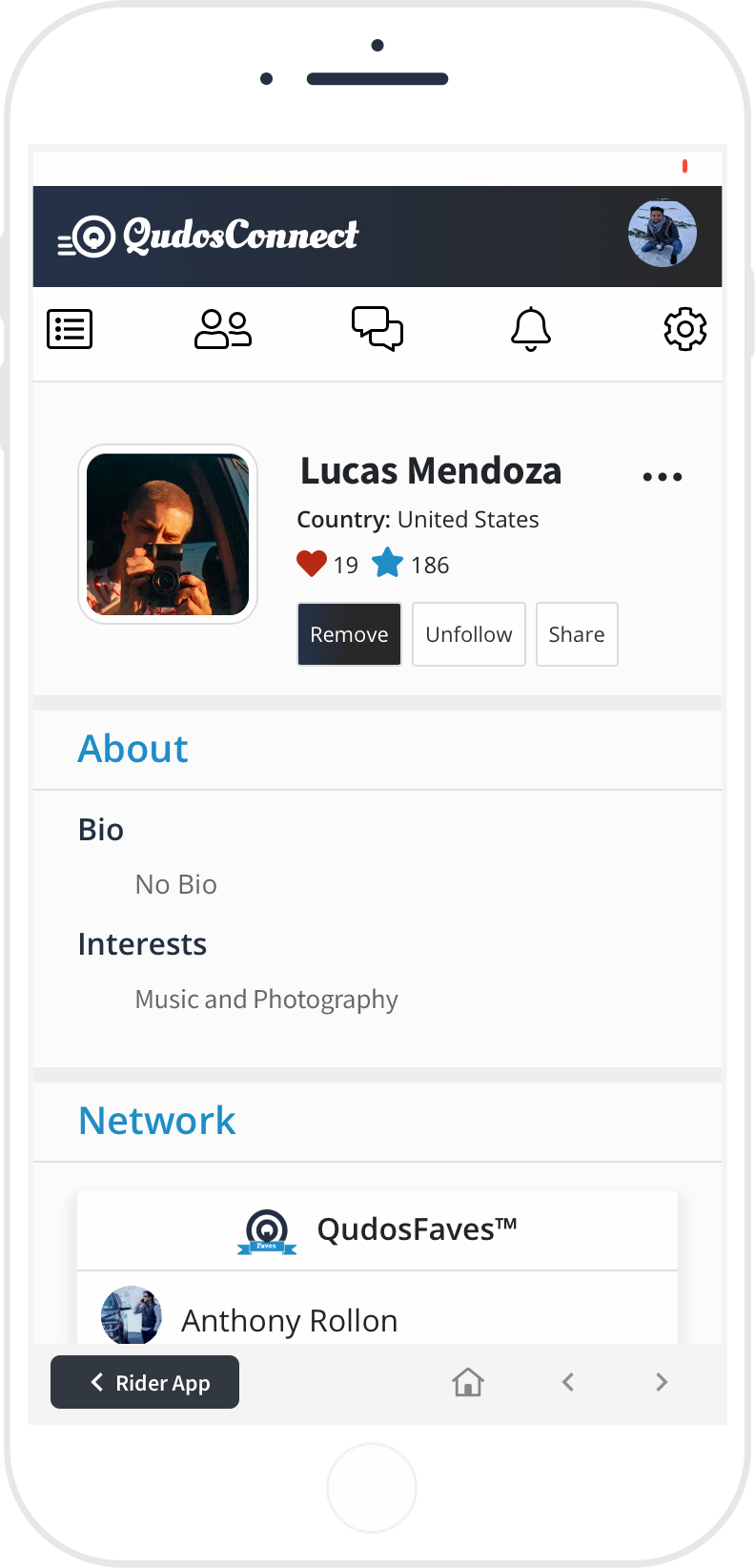
Use the search bar to find the name of your driver. Visit their profile to get to know them, the features they offer, and view ratings.
You can also follow and share your Qudos driver with your friends and family.